Admin & Settings
Settings hub
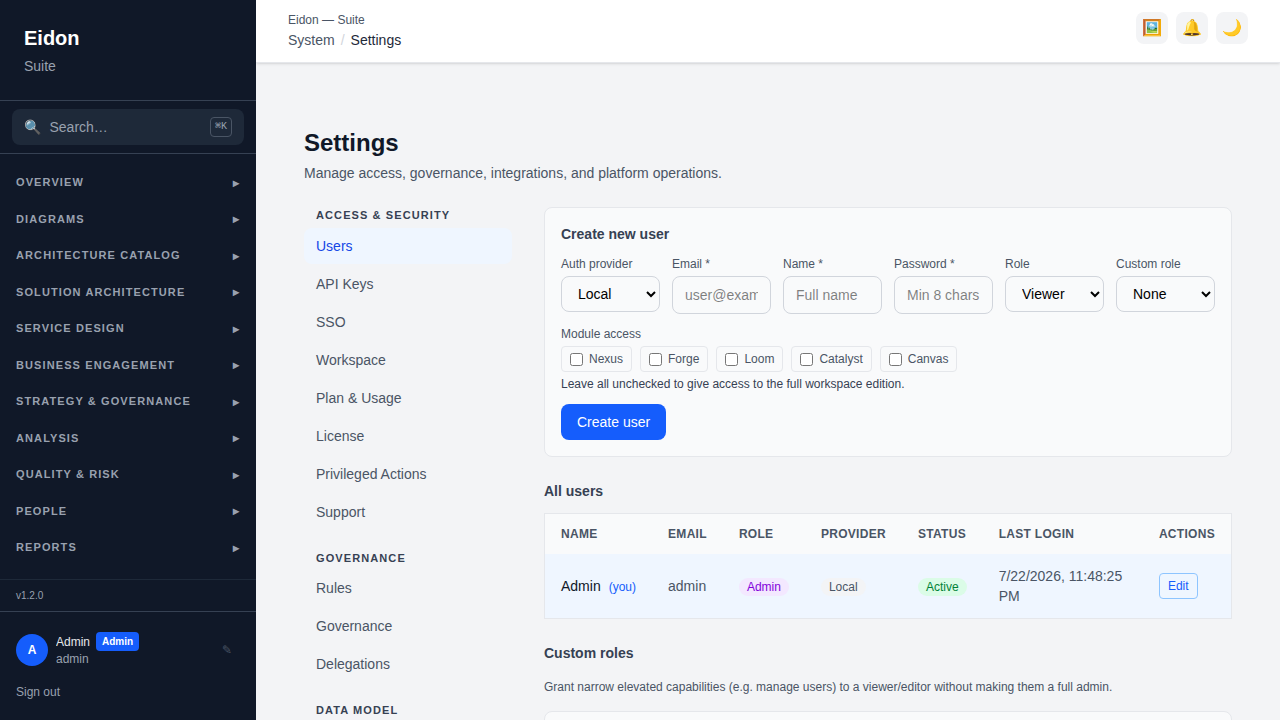
Admin-only tabs are organised into groups: Access & Security (Users, API Keys, SSO, Workspace, Plan & Usage, License, Privileged Actions), Governance (Rules, Governance, Delegations), Data Model (Tags, Custom Fields) and more. Users covers creating/editing/deleting accounts, assigning role and auth provider, and activating/deactivating; API Keys generates a key with a role and optional expiry — the key is shown once and stored bcrypt-hashed, sent via the X-API-Key header; Backups creates snapshots to local download/S3/network path — restoring is destructive and overwrites all data.
Security: MFA, sessions, custom roles, SCIM
Beyond SSO, admins can require multi-factor authentication for local accounts, view and revoke a user's active sessions, and define custom roles with a fine-grained set of capability checkboxes layered on top of the base admin/editor/viewer model. SCIM 2.0 is available for IdP-driven user provisioning/deprovisioning, with a bearer token generated alongside the SSO config.
Workspace settings
Settings → Workspace covers tenant-level configuration: renaming the workspace, an IP allowlist, white-label branding (logo, primary colour, custom domain), a full data export (a zip with every workspace record), a per-person GDPR/DSAR export by email, and permanent workspace deletion — which requires re-typing the workspace's slug to confirm and is blocked while any of its records are under legal hold.
Custom domain verification
Setting a custom domain doesn't make it live immediately — you must first prove you control it. After saving a domain, Settings → Workspace shows a DNS TXT challenge record (host and value) to publish at your DNS provider; once it's in place, click "Verify domain". Only a verified domain resolves your branding, so no workspace can claim a host it doesn't own. TLS/HTTPS itself is handled outside the app: point the domain at this deployment's ingress and let your reverse proxy (nginx, Caddy, Traefik, etc.) issue a certificate via ACME/Let's Encrypt. For automatic per-domain certificates at scale, Caddy's on-demand TLS can be pointed at the app's /tls/authorize endpoint, which only approves hosts that are verified custom domains. Changing or clearing the domain resets it to unverified and issues a fresh challenge token.
Plan & Usage
A read-only view of the workspace's current plan tier, seat and API-call usage against that plan's limits, and which features (e.g. connectors, SSO) are entitled under the current plan — useful for spotting when a workspace is approaching a limit before it gets enforced. On deployments with Stripe billing configured, this page also shows a Billing card: "Upgrade to Pro/Enterprise" starts a hosted Stripe Checkout, and an existing subscriber gets a "Manage billing" button that opens the Stripe customer portal (update card, view invoices, cancel). Stripe is the source of truth for the plan tier once a subscription exists — webhooks keep it in sync automatically. A failed payment marks the workspace "past due" without an immediate lockout; if it isn't resolved within the configured grace window, the workspace is automatically downgraded to Free. Workspaces marked "managed by operator" (comp/internal accounts) don't see self-serve billing controls — their tier is set directly by the platform operator instead.
Data Retention
Settings → Data Retention sets a retention window per record type (Audit Log, Comments, Notifications, Presence) so old rows are purged automatically rather than accumulating forever, with a preview-before-purge step. There's a deployment-default window plus optional per-workspace overrides, so tenants under different compliance regimes can keep data for different periods on the same deployment. A legal hold can be placed on a specific entity (or a whole workspace via its override) to exempt it from purging — and the same entity hold blocks that data from being removed via workspace deletion.
Audit Trail
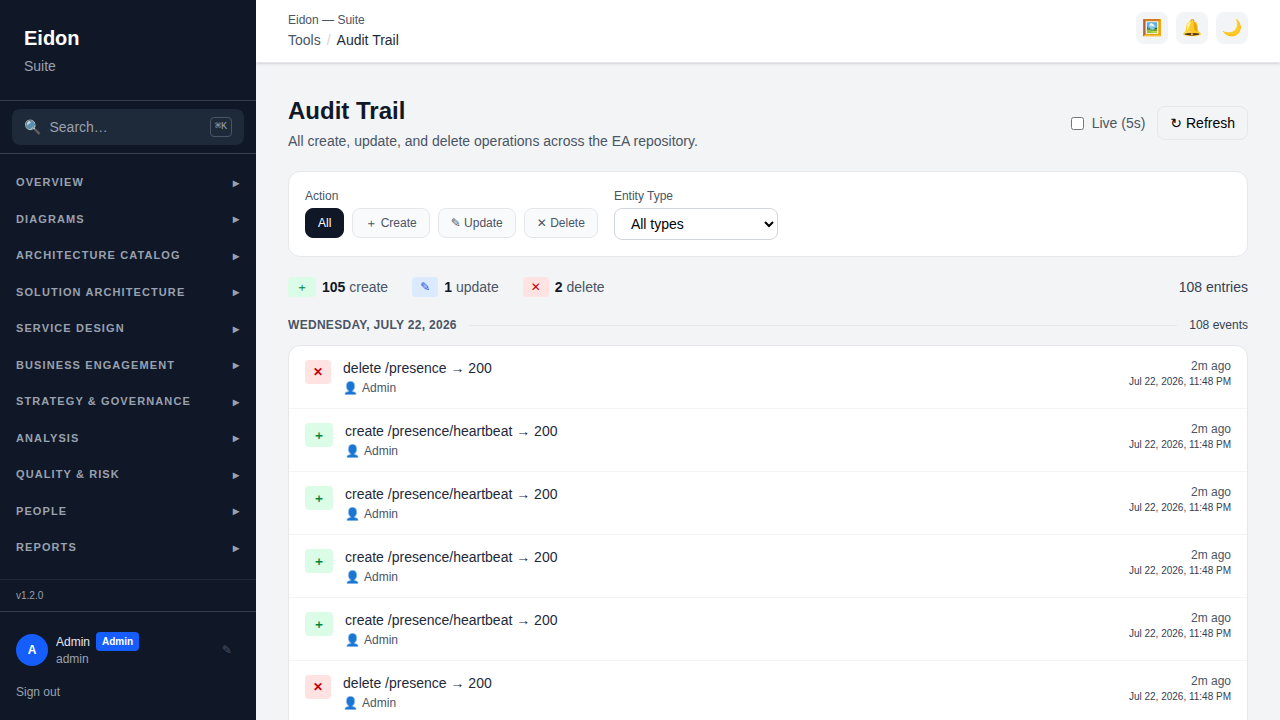
A standalone, read-only feed of every create/update/delete operation in the system: actor (user or API key), entity affected, HTTP method/path and timestamp. Filterable and refreshes automatically every 5 seconds.