Data Tools: Import, Export & Snapshots
Bulk Import
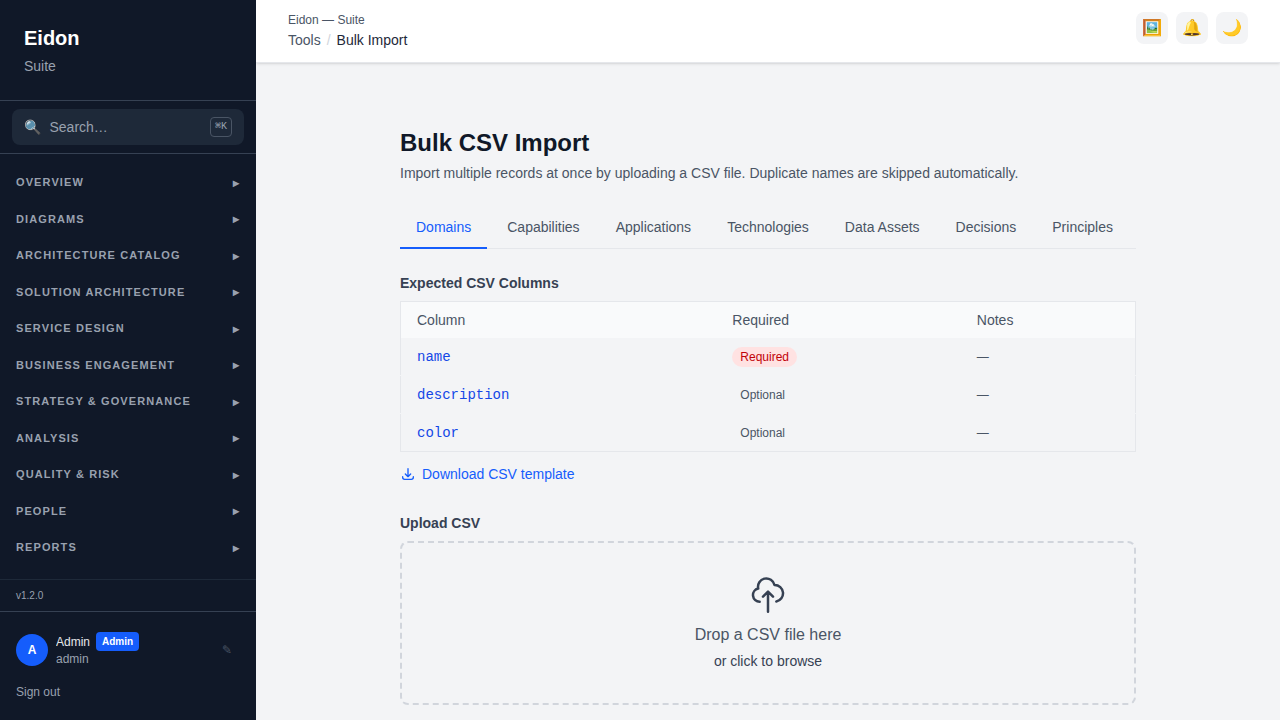
Upload a CSV for any of 11 supported entity types (domains, capabilities, applications, technologies, data assets, decisions, principles, strategic drivers/goals/objectives, risks, APIs). Downloadable templates are provided for each type. Rows that duplicate an existing name are skipped, a "domain_name" column auto-links capabilities to domains, and uploads are limited to 5MB / 5,000 rows.
ArchiMate Import
Upload an ArchiMate Model Exchange Format XML file (the Open Group's tool-agnostic interchange schema, as exported by Archi, Sparx EA, or similar) to migrate from existing EA tooling. Preview shows what would be created/updated before committing. Elements are matched by name on re-import — running the same file twice updates existing records rather than duplicating them. Only element types with a clear equivalent in this catalog are imported (Strategy/Business/Application/Technology-layer structural elements map onto Capabilities, Applications, Technologies and Data Assets); Business actors/roles and Motivation-layer elements (Stakeholders, Drivers, Principles) aren't mapped yet and are reported as unmapped rather than silently dropped, as are any relationships pointing at one.
AI Onboarding
Upload an architecture document, spreadsheet (CSV or XLSX), or diagram image — or paste text directly — and AI proposes draft Applications, Technologies, Capabilities and Data Assets from whatever it finds described or shown in the material. Unlike Bulk Import above (a strict CSV-per-entity-type template) or ArchiMate Import (a structured interchange format), this is for freeform source material with no fixed schema: a design doc, a spreadsheet someone already had lying around, or a screenshot of a diagram. Requires AI configured for the workspace (Settings → AI). Nothing is created automatically — each draft shows a confidence level and a short rationale, and only becomes a real record once you review it (in the same form used everywhere else) and save it.
Export
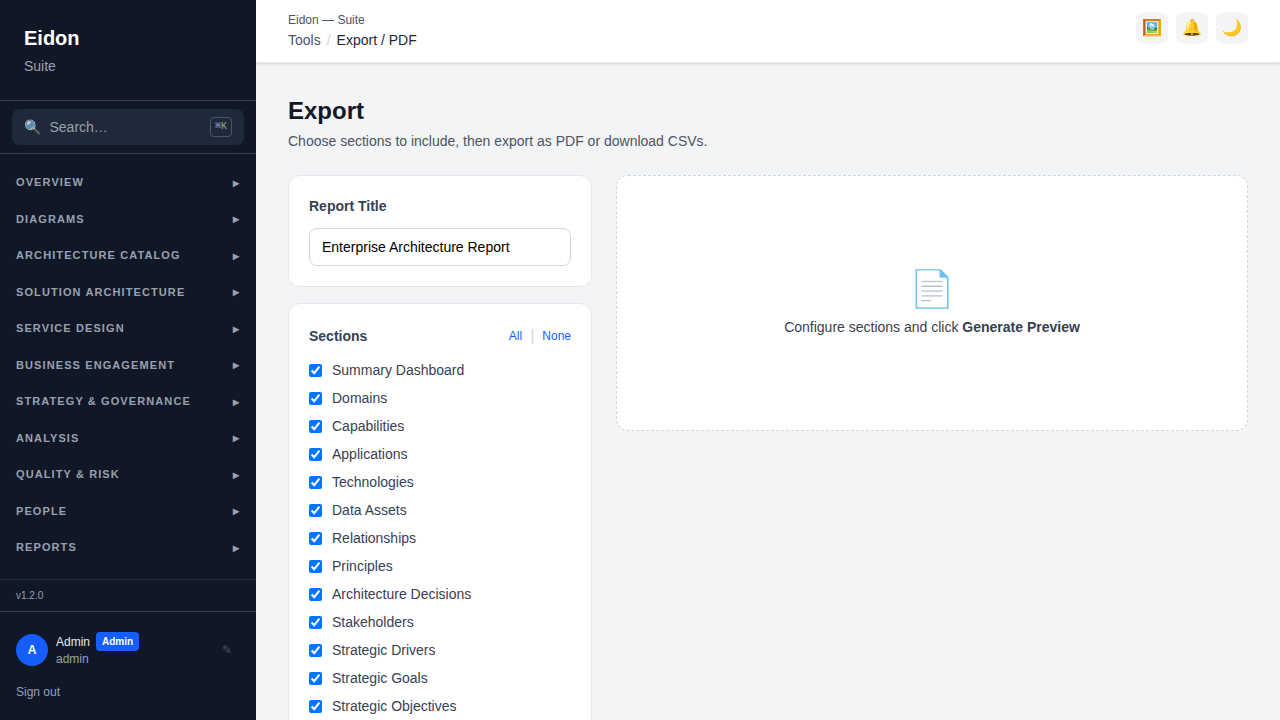
Build a configurable multi-section report (16+ sections covering every catalog and strategy entity type, plus tags, risks and APIs), give it a custom title, and either print it / save it as a PDF or download each section as a separate CSV file. The printed report is a formatted document, not a raw table dump: a branded header carrying the workspace logo, name and primary colour with headline portfolio counts, and colour-coded status pills throughout — capability maturity, application/technology lifecycles, data classifications, decision and roadmap statuses, banded risk scores, API lifecycles, service criticality tiers, and each entity's actual tag chips.
Snapshots
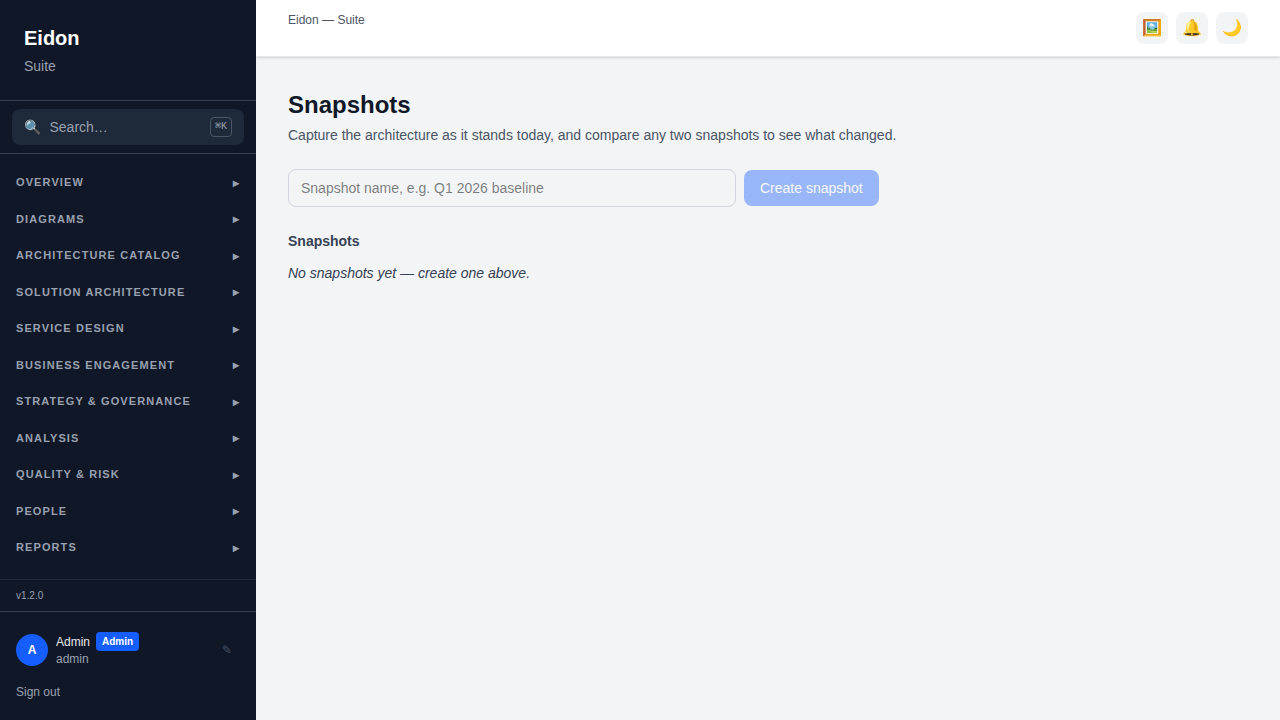
Capture the entire architecture (domains, capabilities, applications, technologies, data assets, relationships) as a named, point-in-time snapshot, then compare any two snapshots to see exactly what changed — records added, removed or field-changed, plus a cost delta by entity type. A single snapshot can also generate a standalone report (total annual cost, application lifecycle mix, cost by domain) as of that moment, making snapshots useful both as a change-audit tool ("what happened between Q1 and Q2 baselines") and as a lightweight point-in-time reporting mechanism in their own right.
Scenario Planning
Model a hypothetical change — retire an entity, swap a Technology, or merge two Domains — as a named scenario, then preview its downstream impact before committing to anything. "Preview" computes a structural/cost diff (what would be added, removed or changed) and a blast-radius report for each change, all in memory against live data; nothing is written until you explicitly "Apply". Applying is irreversible — it performs the same deletions/relationship-retargeting a manual edit would, and an applied scenario can no longer be edited.