Automation & Workflow
Rules
Settings → Rules lets admins build automation/alert rules per entity type: a set of AND/OR conditions (including fields on related entities) that, when matched, trigger an action — create a risk record, notify a user, or fire a webhook. Rules can be enabled/disabled, run on a schedule, or triggered manually with "Run now".
Governance write-time validation
Settings → Governance defines validation rules per entity/field — a required-field check or a regex naming convention — each with a severity. "Block" severities stop a save outright if violated; "Warn" severities let it through with a visible warning, giving teams a way to enforce naming/data-quality standards without a hard gate everywhere.
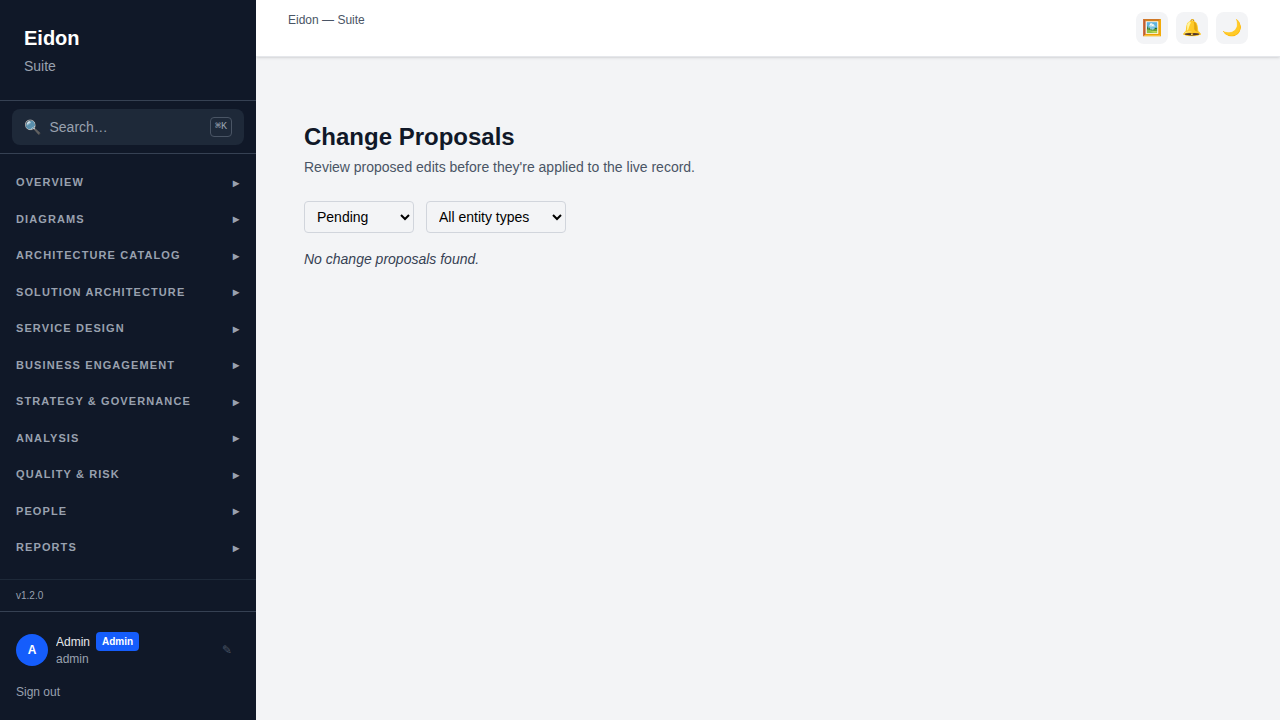
Change Proposals
Instead of editing a record directly, a proposed change can be submitted for review with a field-level diff against the current values. Reviewers with write access approve or reject (with notes); the proposer can withdraw it at any time. Conflicting proposals against the same record are flagged. Currently surfaced on Applications and the standalone Change Proposals page.
Approval Chains & Delegations
Decisions, Principles, Solution Designs, Service Blueprints and Engagements can all route through a multi-step approval chain of stakeholders, each with a sign-off deadline; overdue steps trigger a reminder notification. Settings → Delegations lets a stakeholder configure out-of-office routing so their pending approval steps automatically reroute to a delegate for a given date range, with a reason recorded.
Privileged Actions (dual control)
On deployments where dual control is enabled, certain destructive admin actions — revoking an API key, removing a legal hold, running an immediate retention purge, or deleting the whole workspace — don't execute immediately. Instead they create a pending request in Settings → Privileged Actions that a *different* admin must approve before it runs, and which expires automatically if nobody acts on it in time.