Cross-Cutting Features
Related Artifacts & Backlinks
Most artifacts (Solution Designs, Service Blueprints, Engagements, Architectural Services, Position Papers) can link out to any other catalog object via a Links panel on their detail page — the same entity picker used throughout the app. A detail page's Related Artifacts card is the reverse view: it rolls up everything that references *this* record back, across every link source, plus reference-library usage and linked decisions/roadmap items, so a record's provenance and downstream impact are visible from one card without hunting through every other page that might mention it. List pages carry the same information forward as a small "↩ N" badge next to a row's name, showing how many other artifacts reference it before you even open the record.
Global Search
Search in real time across every major entity type by name/description (and by decision ID/rationale for decisions), showing up to 10 results per type and fully keyboard-navigable. Open it from the sidebar search box or the Cmd/Ctrl+K shortcut.
Notifications & Subscriptions
The bell icon shows an unread count (polled every 30 seconds) and opens a drawer of your last 20 notifications, which can be marked read individually or in bulk. Subscribing to a specific record (via its bell toggle) notifies you whenever that record changes — available to every role, including viewers.
Comments
Any entity supports a threaded comment discussion, including replies. The comment author is resolved automatically from your session or API key.
Saved Views
On any list page, save your current filters/sort/search as a named view. Views can be kept private ("My Views") or shared with the team; only the owner can edit or delete a saved view.
Tags
Tags are defined centrally in Settings and applied to records from a tag selector on each entity's detail page, then used to filter every catalog list page.
Version history & rollback
Domains, Portfolios, Capabilities, Applications, Technologies and Data Assets keep a field-level change history on their detail page, showing who changed what and when, with the option to roll a field back to a previous value.
Live presence
When viewing or editing a record's detail page, you'll see a small indicator of anyone else currently looking at the same record — a lightweight way to avoid two people editing the same thing at once.
Bulk edit & macros
List pages support bulk-delete and, on Applications and Technologies, bulk field-edit. Settings → Bulk Macros lets admins save a reusable bulk-edit template (a set of field=value changes for a given entity type, with an optional stakeholder notification) that can be re-run against a list of IDs whenever the same change is needed again — with a dry-run preview and an undo.
Recertifications
Records can be put on a recurring "review due" schedule; when a record's due date passes without review it shows up as overdue on the Dashboard and Mobile Summary, with a one-click "mark reviewed" action that resets the clock for the next cycle. Beyond the original EA catalog entities, Solution Designs and Service Blueprints use the same generic recertification engine, so an approved design or blueprint can be kept from silently going stale exactly the same way an application or capability can.
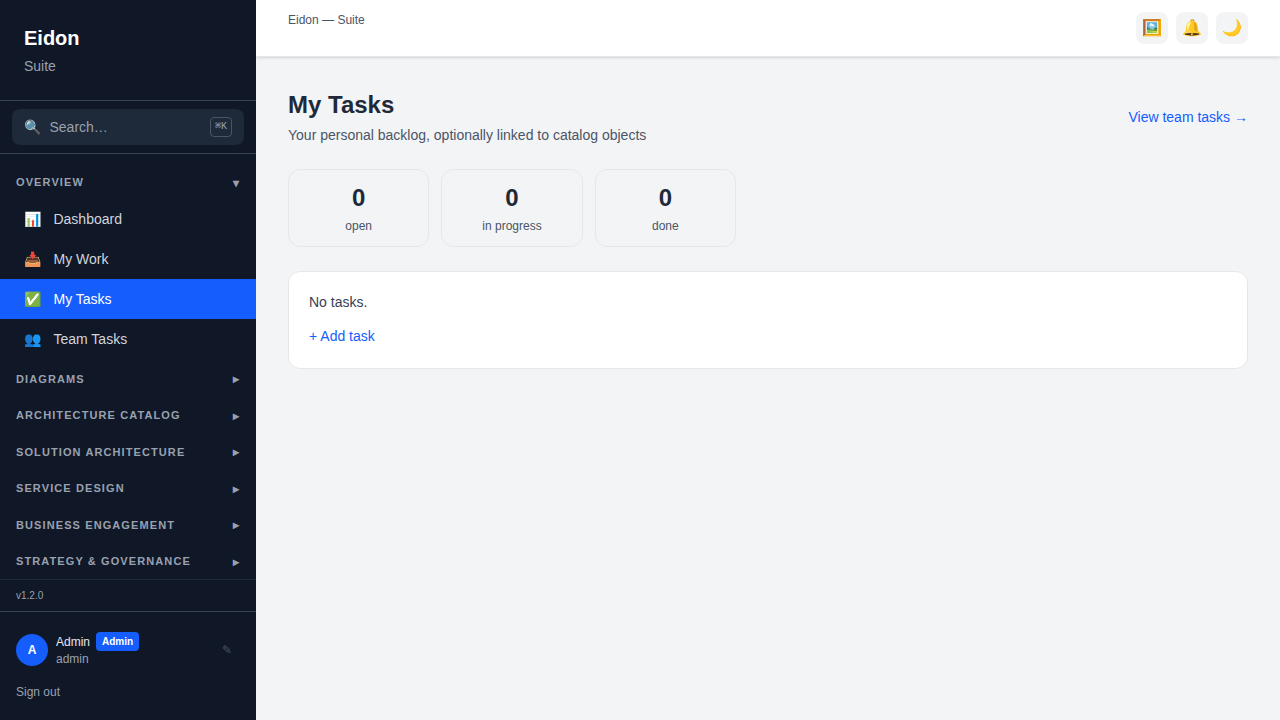
My Tasks
A personal backlog at Overview → My Tasks, optionally linked to any catalog object (so a task can represent "review this application" or "follow up this engagement" without leaving a trace anywhere else). Each task carries a status (Open/In Progress/Done), priority, an optional due date, subtasks with a done/total count, and a comment thread; status-count tiles at the top double as quick filters.
Team Tasks
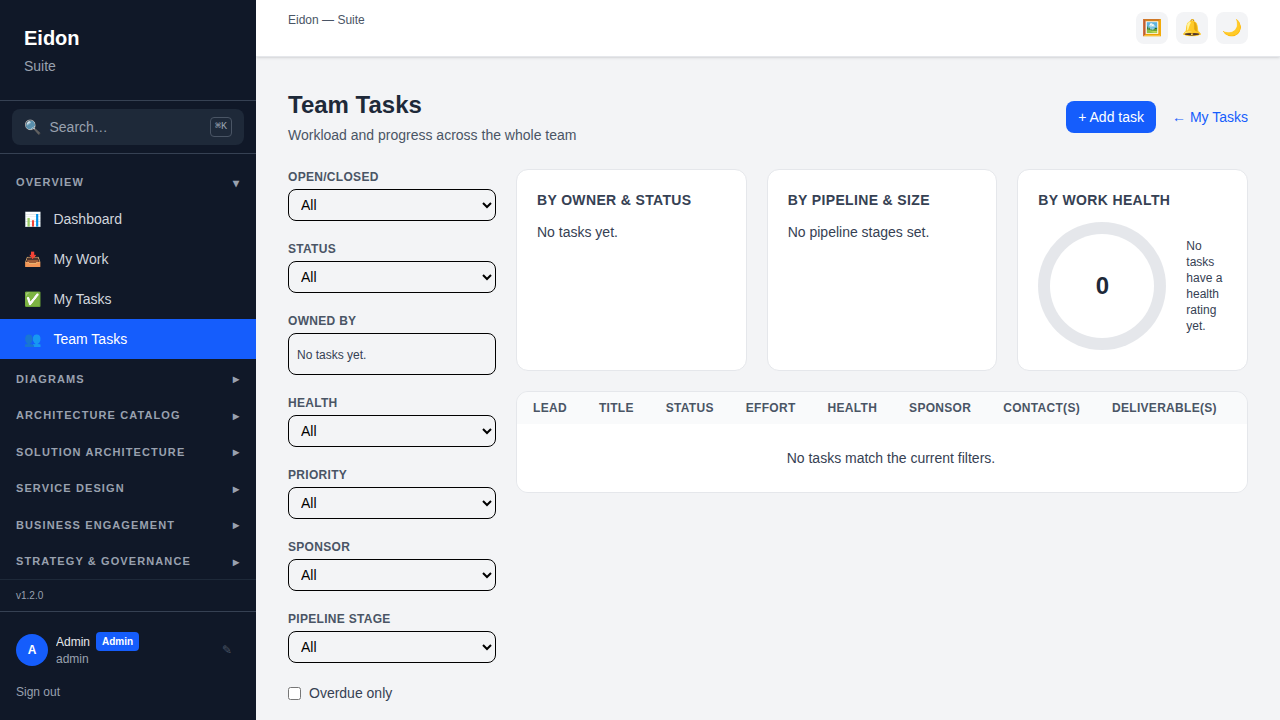
A team-wide workload view at Overview → Team Tasks: filterable by open/closed, status, owner, health (On Track/At Risk/Off Track), priority, sponsor, pipeline stage and overdue-only, with charts showing tasks by owner and status, by pipeline stage and effort size, and by health, plus dedicated At Risk/Off Track and Overdue call-out panels — the manager's view of the same task pool My Tasks gives each individual.